Skip to writing

Writing on AI.

From a gym schedule picture to classes in MAAT

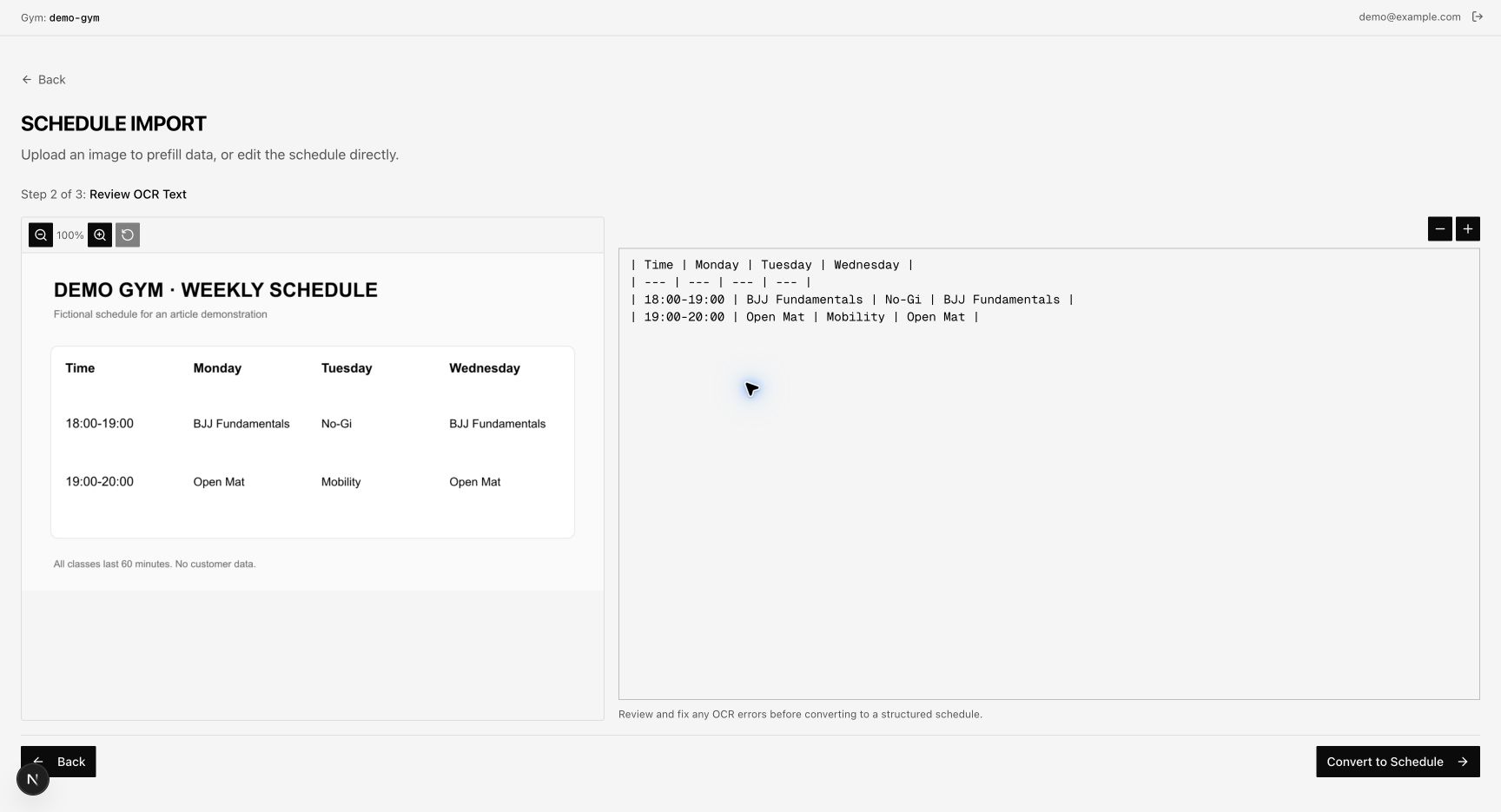
We combined Docling OCR, an editable Markdown table, and structured output to import gym schedules. Our sales team reduced schedule setup from about 30 minutes to five minutes, with review before saving.

Read the article
A gym schedule becomes editable classes A fictional timetable becomes a Markdown table through Docling OCR. Structured output fills a calendar. A person checks the classes before saving. The MAAT sales team reports about 30 minutes for manual schedule entry and five minutes with the tool. These times cover schedule setup only. Docling OCR + structured output Picture to table to editable classes Schedule picture MonTueWed 18:00 BJJ18:00 No-Gi18:00 BJJ 19:00 Mat19:00 Mat19:00 Mat Markdown table Day | Time | Class Mon | 18:00 | BJJ Mon | 19:00 | Mat Tue | 18:00 | No-Gi Tue | 19:00 | Mat Wed | 18:00 | BJJ Wed | 19:00 | Mat Editable classes MonTueWed 18:00 BJJ 18:00 No-Gi 18:00 BJJ 19:00 Mat 19:00 Mat 19:00 Mat Manual entry 30 min Review + save 5 min Illustrative classes. Schedule setup only.
Docling reads the picture into a table. Structured output creates editable classes. The team checks the result before saving. Schedule setup: about 30 minutes to five minutes.

Building an AI Brain at MAAT

We are building context that people and AI can follow. A clear hierarchy connects company knowledge to reviewed procedures, so more of the team can use it. Adding knowledge as it grows is the next challenge.
Read the article
People and AI use one shared handbook A central open handbook contains an index and approved procedures. Three readers consult the same reference. Shared knowledge does not change access rules. ONE REFERENCE. SEVERAL READERS. Support Engineering Index Approved procedures AI assistance Illustrative scene. Access rules still apply.

How we built a context tree for our agent to resolve support tasks

Support work led us from manual fixes to a tree of context files. Each index points the agent to service details, task instructions, and past investigations.

Read the article
An investigation follows a written procedure An illustrative support document connects a membership question to service references, a runbook, and an investigation log. Annotations identify where to look and what to retain. SUPPORT / INVESTIGATION Membership mismatch 01 Open the support index 02 Read the runbook 03 Check service details 04 Keep an investigation log Illustrative procedure Where to look What to retain

Express the General

State what you want and the constraints that matter. A short essay on prompting, inspired by Kierkegaard, and why guesses about the method can hide the goal.

Read the article

Your AI Agent Deserves Its Own Repo

Keep agent knowledge in version-controlled files. Organize the context, load what each task needs, and save repeated work as reusable procedures.

Read the article
Sessions change. Reference files remain. A permanent context document stays in place while one session leaves and another arrives. Each session loads the files needed for its task. The example does not imply automatic memory. KEEP THE KNOWLEDGE context/ Service knowledge Procedures Active tasks Version-controlled files SESSION 01 Investigate a membership. Load relevant files. SESSION 02 Check an export. Reuse relevant files. New task. The reference stays.

Lessons Learned Building a Real-World AI Agent with LangGraph

A translation agent needs room for feedback. This LangGraph workflow keeps the conversation in state and moves slow glossary suggestions into a background job.

Read the article
A translation changes after feedback Illustrative wording: a literal translation, “Make a photo,” changes to “Take a photo.” A separate background task proposes a glossary entry for review. AN EDIT IN PROGRESS Example source: “Hacer una foto” Make a photo. Take Apply the user's correction. SEPARATE BACKGROUND TASK Suggest “take a photo” for the glossary. A proposal for review, not an automatic change.

Advanced Langgraph: Deep dive into open deep research

An analysis of how Open Deep Research splits work across agents and carries context between steps. Includes architecture tradeoffs, limits, and practical takeaways.

Read the article

BJJGym

bjjgym.com

Find a BJJ gym. Wherever you travel.

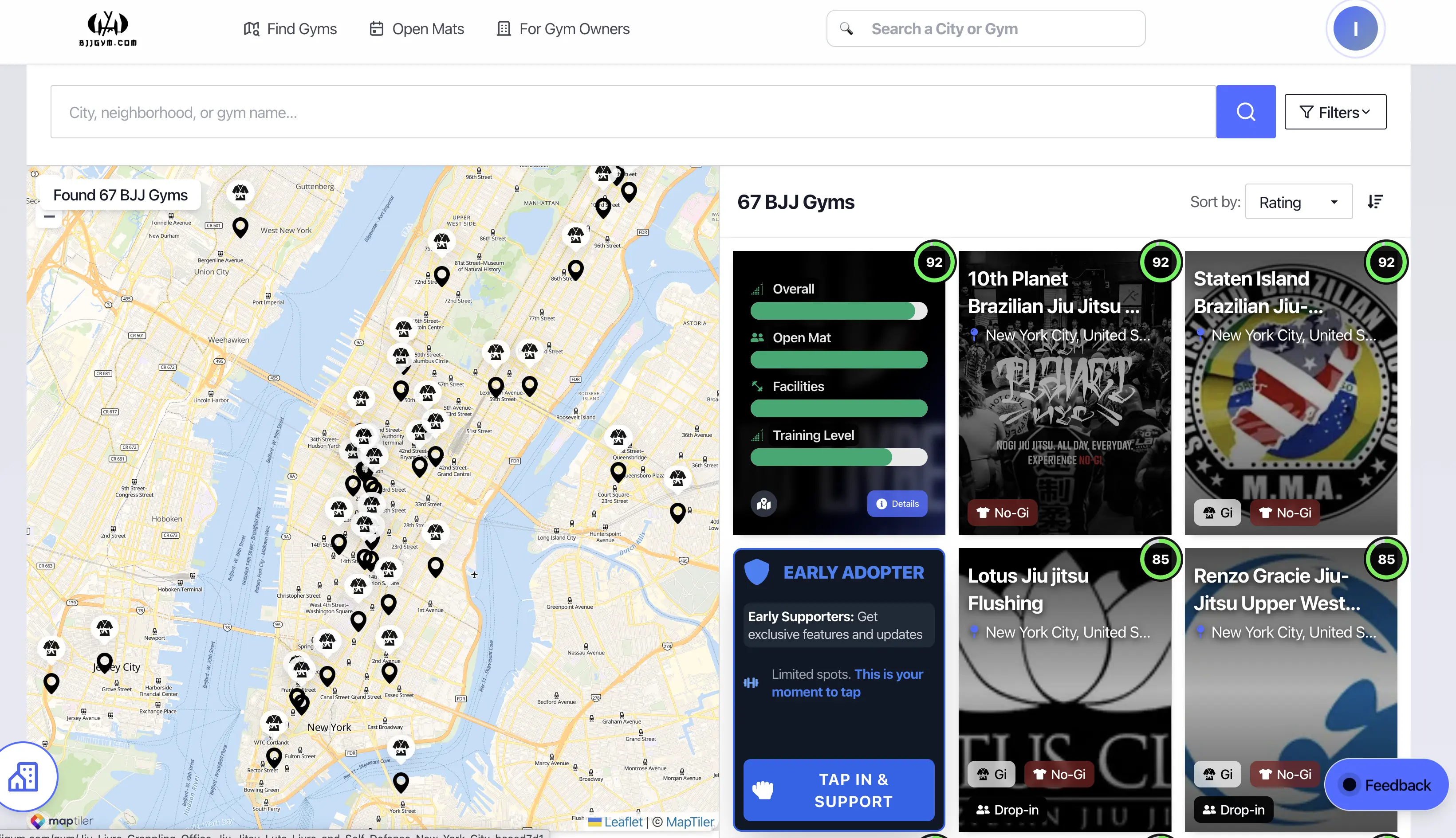
Find Brazilian jiu-jitsu gyms around the world and choose where to train.

Problem
Gym listings often lack useful details about training styles, cleanliness, teachers, and training level.
Solution
Use AI to extract labels from public reviews, such as no-gi, clean, good teacher, and high level. Show these details for each gym.
“Dropped in for no-gi. Clean mats, a coach who explained every step, and tough rounds.”
No-giCleanGood teacherHigh level
Example review and labels.

IndoEuroMap

indoeuromap.com

Explore a city. See its local patterns.

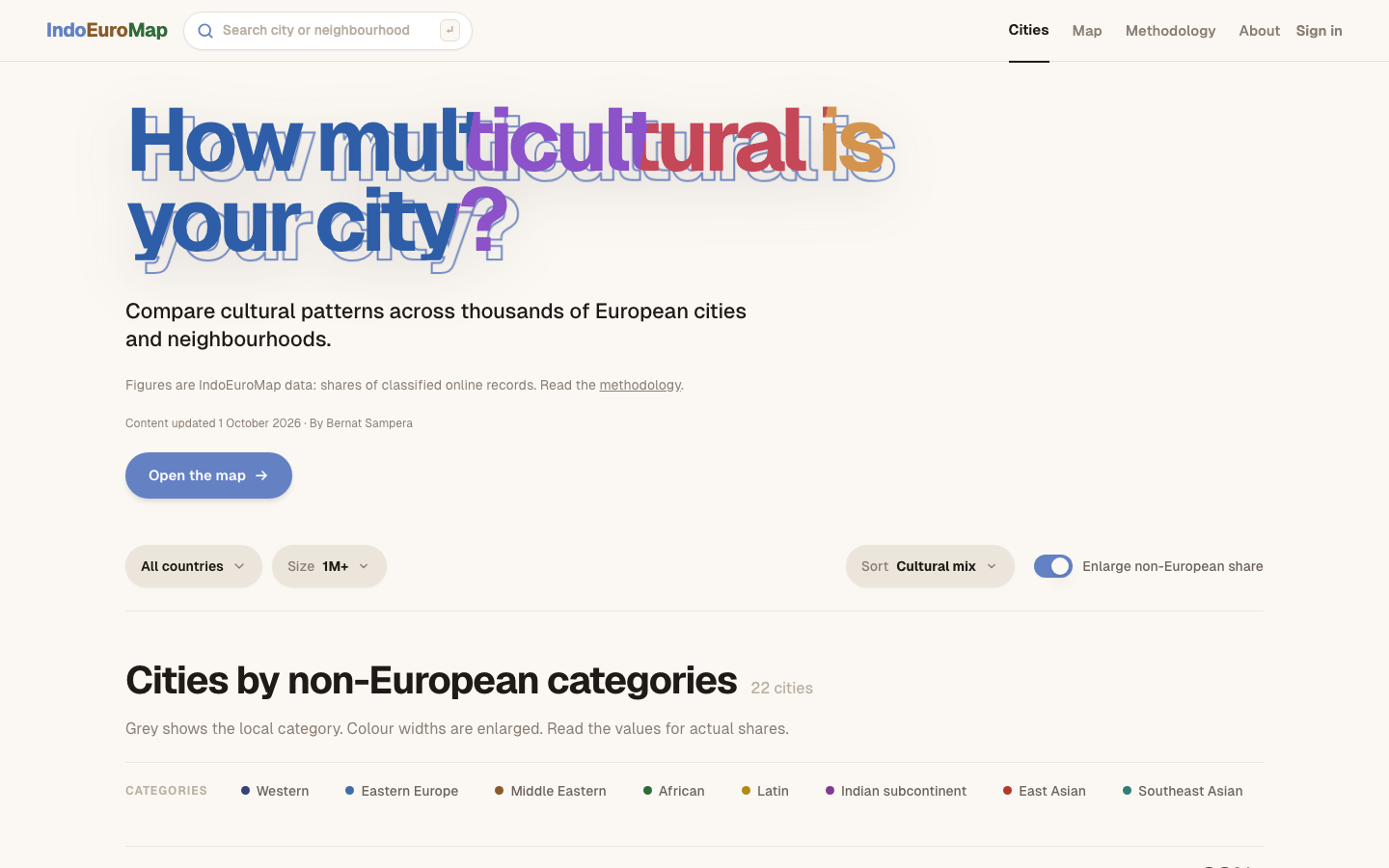
A map of area profiles built from public place and review data.

Problem
Scattered place and review data are hard to understand at the neighbourhood level.
Solution
Combine public signals into area profiles and show them on a map. These profiles do not establish an individual’s ethnicity or culture.
Illustrative map.

gcontext

gcontext.ai

A new session. The knowledge stays.

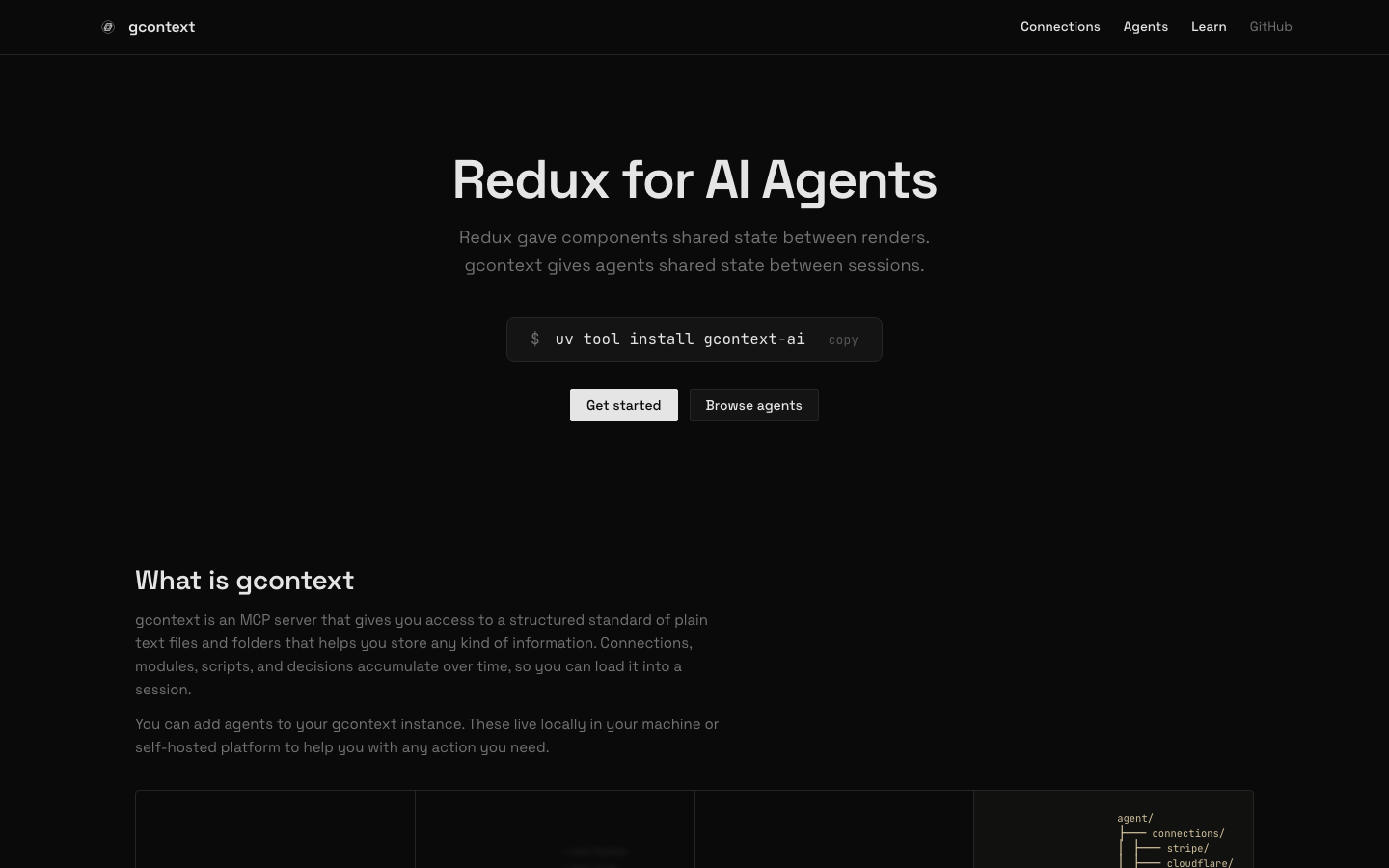
Shared, structured context for AI agents across sessions.

Problem
Useful knowledge gets lost between sessions or stays scattered across tools.
Solution
Store knowledge, connections, and procedures in plain files that agents can load and update through MCP.

The task ends.
Keep the useful context.

01 Decisions saved02 Procedures reusable03 Connections available

Ready for the next session.

Example context structure.